Your Past Directors page
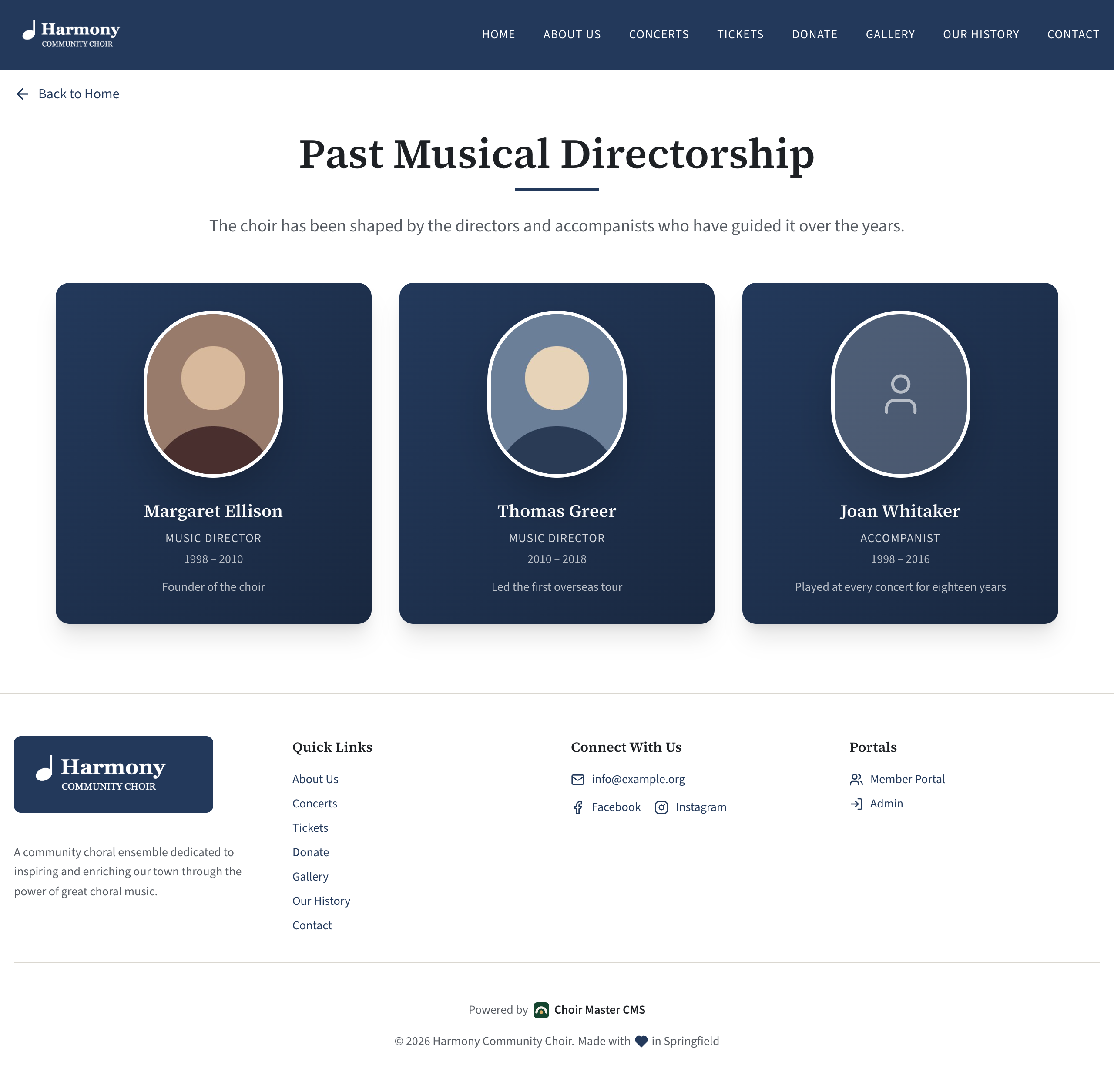
The Past Directors page (/past-directors) is a place to remember the people who have led your choir: former music directors, accompanists, founders. Each is shown as a card with a photo, name, role and years. It is in Site Settings → Past directors page.
Before you start
The page is shown only while Past directors page is ticked in Features. It is on for a new site.
How visitors find the page
The page is not in the menu at the top of your site. Visitors reach it from a link under your leaders in the About section of the home page.
The words of that link are a setting in a different section: Site Settings → Home: About → Link to past directors page. If that box is empty, there is no link, and the page can only be reached by its address. See About your choir and its leaders.
You can also point a button, a promo box or a Resources link tile at /past-directors.
The settings
| Setting | What it does | Limit |
|---|---|---|
| Heading | The page's heading. Empty means "Past Directors". | 80 characters |
| Introduction | A paragraph under the heading. | 500 characters |
| People | The people, in the order they are shown. | Up to 30 |
Each person has:
| Setting | What it does | Limit |
|---|---|---|
| Name | The person's name. Someone with no name is not shown. | 100 characters |
| Role | Such as "Music Director" or "Accompanist". Shown in capitals. | 80 characters |
| Years | Such as "1998 – 2010". Typed as plain text, so "Founding season" works too. | 40 characters |
| Photo | Optional. Shown in an oval, cropped around its centre. Without one, an outline of a person is shown. | A picture |
| Note | One line, such as "Founder of the choir". | 200 characters |
Add someone
- Go to Site Settings → Past directors page.
- Under People, select Add.
- Type the Name, Role and Years.
- If you have a photo, select Upload image under Photo. A portrait with the face in the middle works best: see Upload a picture into a setting.
- Add a Note if you wish.
- Select Save.
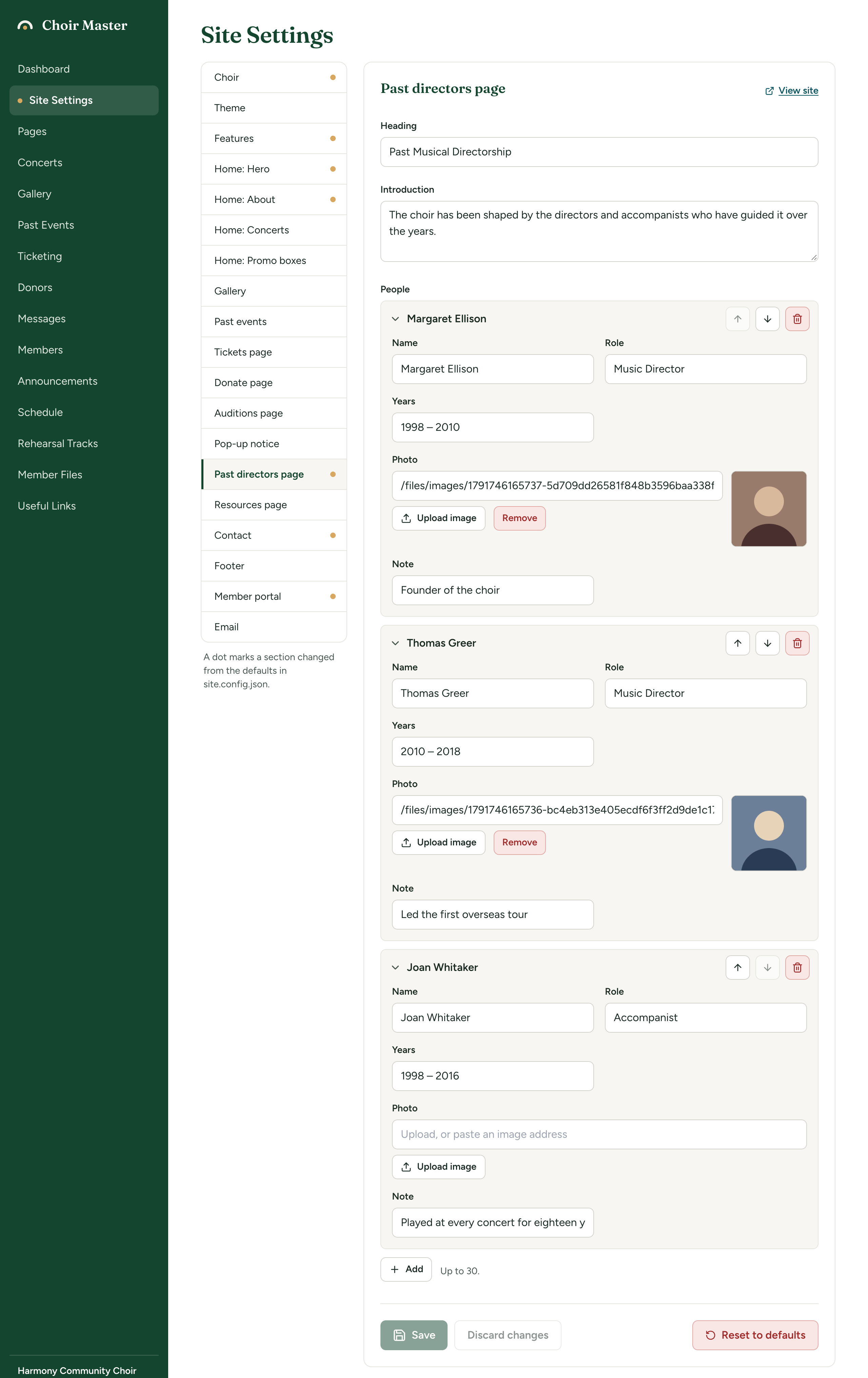
A new entry goes to the bottom of the list. Use the arrows on its title bar to move it: most choirs list the most recent first, or the founder first. A list of more than three people opens with every entry closed; select a name to open it. See Lists of entries.
How the cards are laid out
| People | On a wide screen |
|---|---|
| One or two | Two to a row, centred |
| Three | Three in a row |
| Four or more | Four to a row |
With nobody in the list, the page says "Nothing here yet." If you have nobody to list, untick Past directors page in Features instead.
When a director retires
Move them here from your current leaders:
- Add them to People on this page and Save.
- Go to Home: About, remove them from Leadership and Save. See About your choir and its leaders.
The two sections are saved separately, so do one, save, then the other.